
Remove an image background in a couple of seconds.
Drop a photo in and a neural network separates the subject from everything behind it, then hands you a PNG with real transparency. It is free, it is unlimited, and nothing you send is kept once the cutout is made.
- Nothing stored
- Transparent PNG out
- Falls back to your device
Drop a photo here, or click to browse
The model runs on your device. Nothing is uploaded.
Two samples to drag
Pull each handle across to see what a removed background actually leaves behind. These two are reference images that ship with the page. Press Try it on this image to put the same file through the real model in your browser and judge the result yourself.
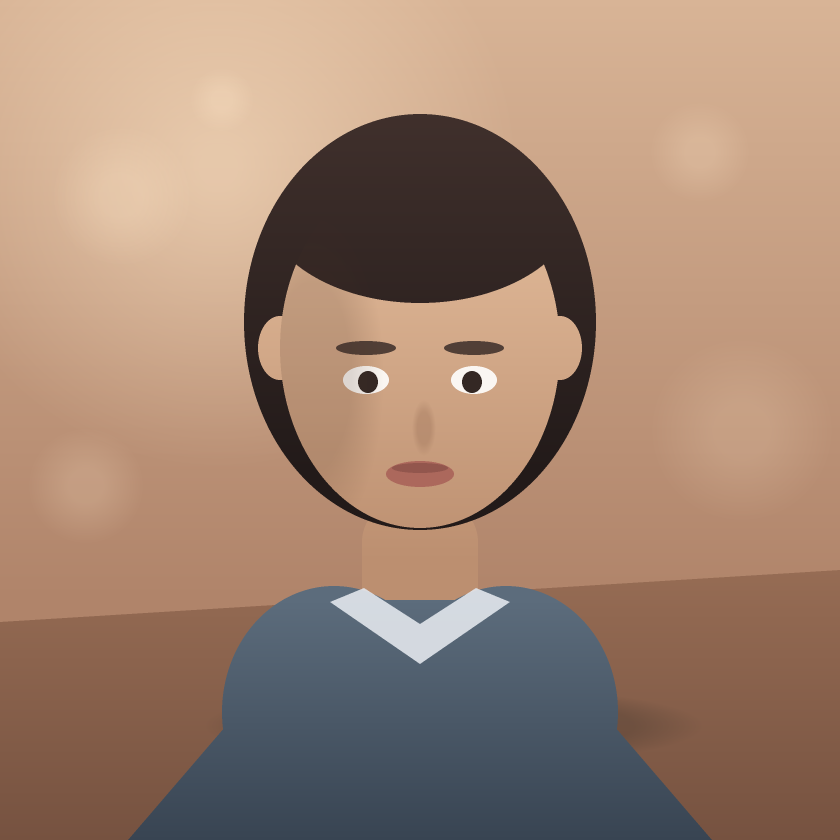
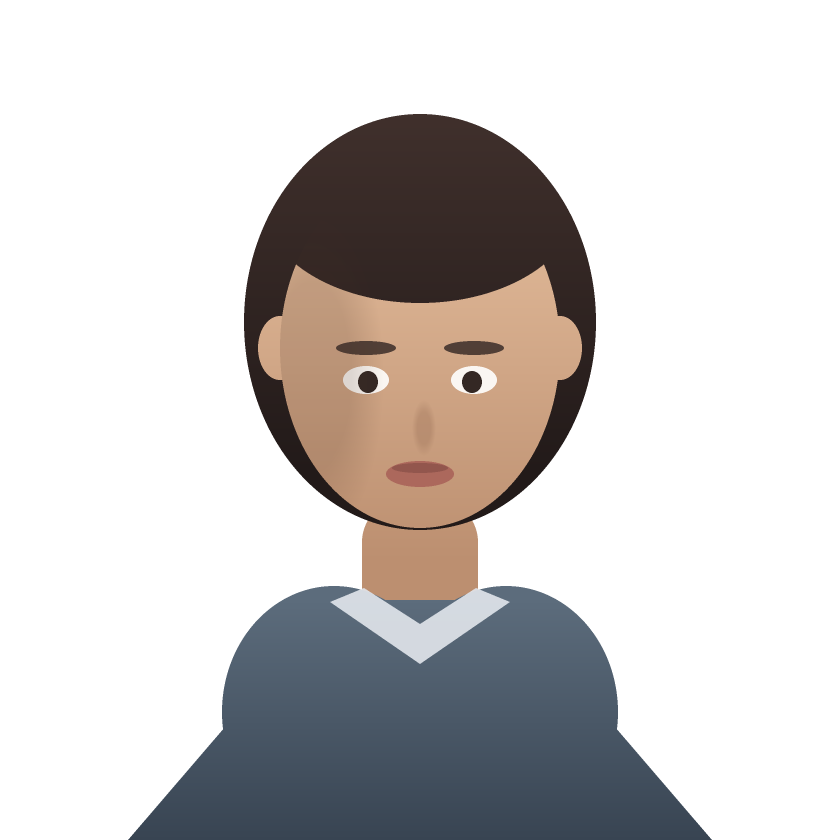


Four steps, and nothing kept at the end of them.
1. You pick an image
Drop a file on the panel or paste one in from your files. The browser decodes it first, so anything unreadable is caught here rather than after a round trip.
2. It goes to our cutout service
A machine of ours holds the segmentation model already loaded and answers in a couple of seconds. Your image lives in memory for the length of that request and is written nowhere, by design: there is no queue, no bucket, and nothing to expire.
3. Or your device does the work
If that service is unreachable or busy, the page downloads the same model and runs it here instead, on the CPU through WebAssembly or the GPU through WebGPU. Slower to start, identical result, and the picture never leaves the tab on that path.
4. You get a real transparent PNG
The matte is applied to your original pixels and encoded as a PNG with an alpha channel, so soft edges stay soft instead of being cut to a hard outline. Download it, or leave it in the list under the tool.
Processed, handed back, and forgotten.
Your photo is sent to a machine we run, which holds the segmentation model in memory and answers in a couple of seconds. It is not a queue in front of somebody else’s GPU and it is not a third party: the image exists for the length of one request, is never written to disk, and is gone the moment the cutout comes back. Nothing about it is logged beyond the size and how long it took.
When that service cannot be reached, the page falls back to running the same model in your browser. On that path the picture genuinely never leaves the tab: the first run fetches the model and its runtime from the library author’s CDN, a download that carries no image data, and your browser caches it afterwards. The tool tells you which path it took while it works.
Cutouts you keep are written to IndexedDB on this device. They are listed under the tool with a delete button each, and clearing your browser’s site data removes every one of them.
- Price
- Free, with no account, no watermark, and no limit on how many images you run
- Input formats
- JPEG, PNG, WebP, AVIF, GIF, BMP, and SVG. Vectors are rasterized on the way in
- Output
- PNG at the original resolution, with a real alpha channel
- Where it runs
- Our cutout service, falling back to your browser via WebAssembly or WebGPU
- Retention
- None. The image is held in memory for one request and never written to disk
- Saved results
- The last 12 cutouts, kept in this browser only
What helps, and what to expect.
Give the subject some contrast
A subject that separates clearly from what is behind it mattes better than one that blends into it. Flat, even lighting behind the subject is the easy case.
Expect hair and fur to be the hard part
Fine strands are where every matting model earns its keep. Look along the edge at full size before you use a cutout on a dark background, which is where a soft edge shows most.
Shrink very large photos first
A 40-megapixel file takes real time and memory on a phone. Running it through the compressor first costs you nothing visible and finishes far faster.
Keep the PNG as a PNG
Transparency only survives in formats that have an alpha channel. Re-saving a cutout as JPEG fills everything transparent with solid colour.
Everything else.
Is this actually free?
Yes, completely. There is no account to create, no watermark on the result, no credit system, no per-image cap, and no paid tier holding the good version back. Your computer does the processing, so running it costs us nothing to give away.
Do my images get uploaded?
By default yes, to a machine Doxlore runs and to nobody else. It holds the image in memory for the length of one request, writes it nowhere, and discards it as soon as the cutout is returned. If that service is unavailable the page runs the same model in your browser instead, and on that path nothing is sent at all.
Why is the first image slower than the rest?
It usually is not any more, because the service already has the model loaded. It only happens on the fallback path, where the page has to fetch the model and the WebAssembly runtime before it can start. That download is cached, so a second image on that path begins immediately.
Does it work offline?
Only on the fallback path, and only once the model is in your browser cache. The default path needs the network, because the work happens on a machine of ours. Losing the connection mid-cutout is what the fallback exists for.
What do I get back?
A PNG at the same resolution you put in, with a genuine alpha channel. The transparency is per-pixel, not a hard outline, so soft edges keep their softness when you place the cutout on a new background.
Can I use the results for work I sell?
The tool adds no watermark and claims no rights over anything you make with it. Whatever rights you had in the image you started with are the rights you still have.
Where do the saved cutouts live?
In this browser, in IndexedDB on your own device, never on a server. The list keeps your twelve most recent results, each one deletable from the list, and clearing your site data removes all of them.
Part of my subject went missing. Why?
Segmentation models decide what counts as the subject, and they get it wrong on reflections, glass, motion blur, and objects that share a colour with the background. Cropping tighter around the subject often fixes it outright.
Will it run on my phone?
Usually. A modern phone handles ordinary photos fine; very large images can exhaust memory on older hardware, which is another reason to downscale before you start.